
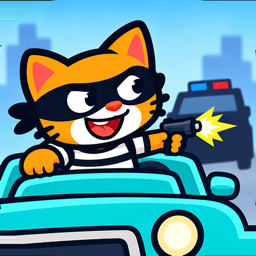
Playtest
Robber Cat playtest
Install the game on your Android phone, drive for 15–20 minutes, then answer seven quick questions. Budget about half an hour in total.
- Android 7 or newer
- Google Play signed in
- About 30 minutes
-
Switch on internal app sharing
This build is shared privately through Google Play, so the Play Store needs one setting enabled before the link will install anything.
- Open the Google Play Store app.
- Tap Menu, then Settings.
- In About, tap Play Store version seven times.
- Turn on Internal app sharing when it appears, and confirm Turn on.
-
Install Robber Cat
The button installs the test build from Google Play. It will not appear in Play search — this is the only way in.
If Play says the app is unavailable, step 01 is almost always the reason — and check you are signed in with the same Google account you use for the Play Store.
-
Drive for 15–20 minutes
Play it the way you would play any game: aim, shoot, upgrade whatever appeals, and take a rewarded video from the daily ladder if one shows up. Please don’t hunt for ways to break it — the ordinary experience is what we need.
Sound on tells us more than sound off, but that is your call.
-
Answer seven questions
Seven scales and one box for anything else you want to say. It takes about three minutes.
-
Finish on Prolific
Send the feedback first — its last screen gives you a button that completes the study on Prolific. Keep the Prolific tab open until you have used it, or you will have nothing to submit.
What we keep
Your Prolific participant, study and session ids; your answers to the questions; and the game’s anonymous player id if you send it. We use them to connect your feedback to this study, to pay the reward, and to improve the game. Email labs@avanyan.net to have them deleted. The game’s own data practices are in the Robber Cat privacy policy.
What we keep
Your answers to the questions and the device you name if you send it. We use them to improve the game. Email labs@avanyan.net to have them deleted. The game’s own data practices are in the Robber Cat privacy policy.